Qatar Airways Employee Portals Explained: iPrism, GemsNeo, MyPath, TOPS & QHub
What iPrism, GemsNeo, MyPath, TOPS and QHub are, which login pages can be publicly verified, and practical next steps when a Qatar Airways employee sign-in fails.

Quick Answer
iPrism, GemsNeo, MyPath, TOPS and QHub are separate Qatar Airways employee systems, not one portal. Public checks confirm official login pages only for iPrism, labeled "Cabin Crew Portal", and GemsNeo. TOPS has an official 2016 description as an operations system, while MyPath and QHub have no publicly verified login route. Access depends on your role and the account your employer issues. Job applicants use the careers site, and passengers use qatarairways.com. The comparison table and login troubleshooting table are below.
Visit Official ServiceOn this page
Qatar Airways staff hear several system names in their first weeks: iPrism, GemsNeo, TOPS and, in some teams, MyPath or QHub. Many online guides merge them into one “employee portal”. The public evidence does not support that. Each name refers to a different system, only some of them have a login page that can be checked publicly, and none of them is open to job applicants or passengers.
This guide separates what each system is publicly documented to do from whether its login route can be verified. All checks were made on public pages on 8 October 2026, without signing in. QatarVia is an independent information website. We are not Qatar Airways or its IT team, and we cannot create, unlock or recover employee accounts.
Qatar Airways employee portals at a glance
“Not publicly verified” means we could not confirm it from an official public source. It does not mean the system is unavailable.
| Portal | Verified purpose | Publicly verified access route | Intended users or access limitation |
|---|---|---|---|
| iPrism | The login page is titled “iPrism - Cabin Crew Portal”. Features behind sign-in are not publicly documented. | Official public login page found: iprism.qatarairways.com.qa | Labeled for cabin crew. Requires an account issued by the employer. |
| GemsNeo | Not publicly documented. The login page names the system but does not describe it. | Official public login page found: gemsneo.qatarairways.com.qa | Sign-in asks for a username, password and a push approval or one-time passcode. Eligible users are not publicly stated. |
| MyPath | Not confirmed. We found no employer-origin public description. | Current access route not publicly verified | Use the link your employer supplies. |
| TOPS | Historical official description found: Total OPerations System, a fleet and operations management system (May 2016). | Current access route not publicly verified | An operational system. The 2016 announcement refers to operations staff. |
| QHub | Not confirmed. We found no employer-origin public description. | Current access route not publicly verified | Use the link your employer supplies. |
iPrism Qatar Airways login
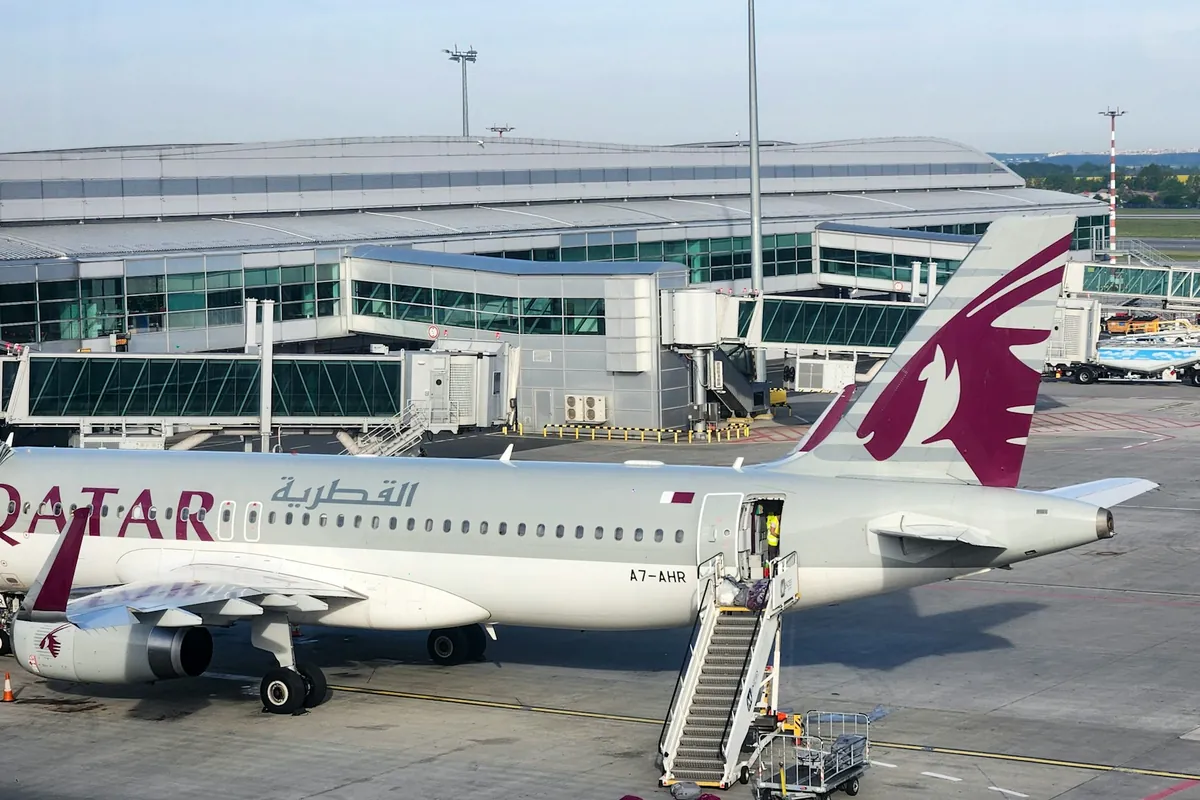
The address iprism.qatarairways.com.qa opens a Qatar Airways sign-in page headed “iPrism - Cabin Crew Portal”. That label is the clearest public evidence of who the system is for. It does not show that every Qatar Airways employee uses iPrism, and the guides that call it an all-staff HR portal give no source for that claim.
The public page shows only a username field, a password field and a link reading “Forgot Password? Click here to reset.” That link leads to the Qatar Airways Password Manager, described in the help section below.
Anything behind the sign-in, such as rosters, messages or training content, cannot be confirmed from public pages. Some websites describe iPrism dashboards, AI assistants and usage statistics. We found no primary source for those claims, so we do not repeat them here.
Some saved links end in /my.policy. Opened without an active session, that address can show a page saying “Your session could not be established”. This is a sign-in gateway message, not evidence that iPrism is down. Starting again from the main address in a new tab is a sensible first step.
GEMS and GemsNeo
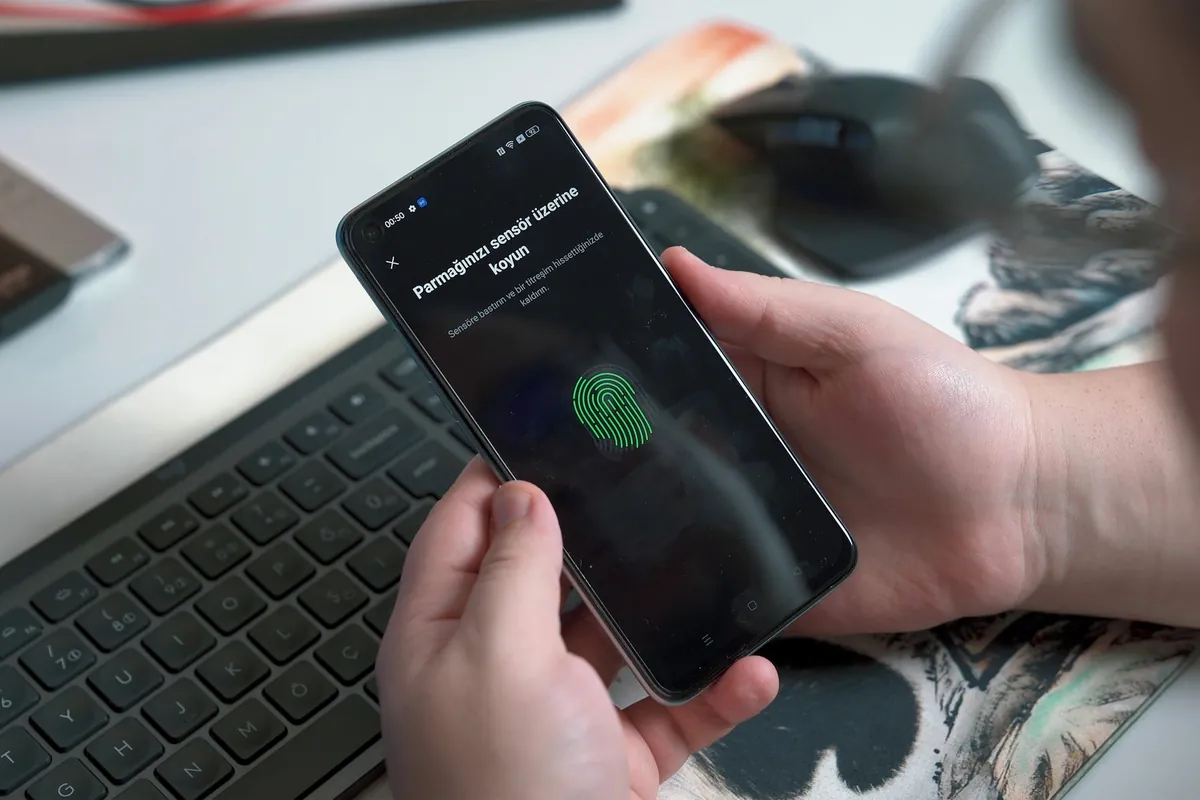
The page at gemsneo.qatarairways.com.qa is titled “GemsNeo | Login” and reads “Welcome to GemsNeo”. It asks for a username and password, then offers a choice between approving a push notification on a mobile device and entering a one-time passcode (OTP) manually. The footer says it was designed and developed by Qatar Airways IT.
That is all the public page shows. It does not say what GemsNeo is used for, and we found no official Qatar Airways source that expands “GEMS” or lists its functions. Claims that it handles payroll, leave, benefits, manuals or learning remain unverified. If you need to confirm your pay or leave terms, check your employment contract in Qatar or ask HR rather than relying on a portal guide.
Are GEMS and GemsNeo the same? During our check, the address gems.qatarairways.com.qa redirected to the GemsNeo login page. That suggests the GEMS name now leads to GemsNeo, but a redirect does not prove the two are the same system. Several unrelated organizations also run systems called GEMS, so only enter work credentials on a link your employer has given you.
MyPath
MyPath is described on some websites as a Qatar Airways learning platform. We could not confirm that from an employer-origin source. On 8 October 2026 we checked all 187 vacancies listed on the official careers site and found no mention of MyPath or QHub. One current vacancy refers to an “in-house LMS” (learning management system). That shows Qatar Airways runs internal learning systems, but it does not name MyPath.
We also found no public MyPath login page we could confirm. If you need MyPath for training, use the link in your onboarding material, training notifications or intranet, or ask your training coordinator. Do not assume it uses the same username and password as other systems.
TOPS and Crew Connect
TOPS has the clearest official history. In a press release dated 16 May 2016, Qatar Airways announced TOPS, short for Total OPerations System, as a fleet management system for scheduling aircraft and managing flights. It described TOPS as combining data from several sources to give operations staff a view of the operation from network level down to individual flights. The airline developed it in house with Wipro, and named Flight Watch, launched in 2015, as one part of it.

In June 2019, Wipro announced TOPS CREW, a crew management suite developed jointly with Qatar Airways. Wipro said it covers leave bidding and planning, crew training and crew tracking, and that Qatar Airways was the first airline to use the TOPS suite across flight operations and crew management.
Two cautions apply. First, both sources are several years old. They show what TOPS was built to do, not how employees sign in today. Second, we found no official source that uses the name “Crew Connect” or explains how it relates to TOPS. Some guides treat “TOPS Crew Connect” as one portal. That may reflect usage inside the airline, but it is not publicly documented. We did not verify a current public TOPS login link, so none is listed here. Crew should use the access route supplied by crew scheduling or their onboarding team.
QHub
QHub is sometimes described as an internal news or content platform. We found no employer-origin public page confirming its purpose or login address, and no current Qatar Airways vacancy mentions it. “Qhub” is also the name of unrelated software, so general search results may not be about Qatar Airways at all. Use the route supplied through your workplace, such as an intranet link, onboarding email or your manager, rather than a link from a third-party login directory.
How to access the correct employee system
This is general guidance. Exact steps depend on your role, location, device and how your account was set up.
- Identify the system you need for the task. If you are unsure, ask your manager, team coordinator or onboarding contact which system handles it.
- Use a trusted link. Use the link your employer supplied, or a verified official login page such as the iPrism and GemsNeo pages above. Avoid links from login directories and old bookmarks.
- Follow the sign-in instructions shown on that page. Enter the credentials your employer issued for that system.
- Complete verification if prompted. Some systems ask for a push approval or one-time passcode. Use only the method your employer set up for you.
- Use the official recovery option or workplace support if access fails. See the troubleshooting table and help section below.
Common login problems and practical next steps
An error message alone does not tell you the cause. These are reasonable first checks, not diagnoses.
| Problem | Reasonable first check | When to contact workplace support |
|---|---|---|
| “Your session could not be established” | Close the tab, open the main portal address in a new tab and sign in again. Check that cookies are allowed for the site. | If it repeats on an approved device and browser. |
| JavaScript or cookies message | Use a browser your employer supports with JavaScript and cookies enabled, as the page requests. | If browser settings are locked or managed by your employer. |
| Forgotten password | Use the official reset link on the login page, where one is shown. For iPrism this leads to the Qatar Airways Password Manager. | If the reset does not work or your account is locked. |
| Push prompt or verification code not received | Check the device registered for verification has signal and the correct time, then try the other method if the page offers one. | If you changed phone or number, or neither method works. |
| Access denied | Confirm you are using the right system for your role and the correct account. | Straight away. Access is granted by your employer, and only they can change it. |
| Old bookmark or unexpected redirect | Delete the bookmark and start from a current link your employer supplied. | If the address looks unfamiliar or asks for unusual details. |
| Page does not load | Try another approved network or device, and check whether colleagues can open it. | If it still fails, report it through your normal support route. |
Follow your employer’s device and browser policies. Do not disable security software, install unofficial apps, share passcodes or tokens, or use a VPN your employer has not approved. If an online checker or a friend’s browser cannot open a portal, that does not mean the system is down for everyone.
Employee portals, careers accounts and passenger accounts
Many sign-in problems come from using the wrong kind of account. Government services you use as a resident, such as the Metrash app, have their own sign-in as well. The Qatar Airways accounts below are separate:
- Employee systems such as iPrism and GemsNeo are for people whose accounts Qatar Airways has issued. Entitlements such as end-of-service gratuity come from your contract and Qatar law, not from the portal you sign in to.
- Recruitment accounts are for applicants on the official Qatar Airways careers site. Applying for a job, or receiving a successful outcome, does not by itself give you access to employee systems. For roles, requirements and the application process, see our Qatar Airways careers and application guide.
- Passenger accounts, including bookings and Privilege Club membership, are managed on qatarairways.com. Passenger customer service handles bookings, not staff accounts, and employee IT support does not handle bookings.
- Staff travel has its own system. The RAHAL Qatar Airways Staff Travel System login offers separate sign-in options for QR staff, other airlines’ staff, former staff and QAA/QEEL staff, using a staff ID, password, captcha and a one-time passcode sent by SMS or email.
Where employees should get help
Start with the support route in your onboarding material or intranet, or ask your manager. For password changes and account unlocks, the iPrism login page links to the Qatar Airways Password Manager. That page asks whether you are staff, which domain your account belongs to (QR or QAS), and whether you want to set a password or unlock your account. It then asks for staff ID details and a captcha. It also lists phone numbers for the Qatar Airways IT Service Centre and, for staff at Hamad International Airport premises, the MATAR IT Service Centre. Use the numbers shown on that page, as they may change.

QatarVia cannot create, unlock or recover employee accounts and has no link to Qatar Airways IT. Never send your staff ID, password or passcodes to a website or social media account offering help. For other employment topics, browse our Qatar jobs and salaries guides.
Feature image: Qatar Airways Boeing 787-8 (A7-BCQ) photographed near Dhaka, Bangladesh, by Md. Shaifuzzaman Ayon on Unsplash, Unsplash License, cropped. Inline photos are from Unsplash under the Unsplash License, as credited in each caption, and have been cropped and resized. Photographs are illustrative and do not imply any endorsement of QatarVia by Qatar Airways.
Official Sources
- Qatar Airways: iPrism - Cabin Crew Portal login (opens official source in a new tab)Official public login page. Checked 8 October 2026.
- Qatar Airways: GemsNeo login (opens official source in a new tab)Official public login page. Checked 8 October 2026.
- Qatar Airways Password Manager (opens official source in a new tab)Official password change and account unlock page linked from iPrism. Checked 8 October 2026.
- Qatar Airways press release: TOPS fleet management system (opens official source in a new tab)Historical source dated 16 May 2016. Our automated tools were blocked from the page on 8 October 2026; its content is corroborated by Qatar Tribune coverage of 17 May 2016.
- Wipro: TOPS CREW for global airlines (opens official source in a new tab)Historical source dated 10 June 2019. Checked 8 October 2026.
- Qatar Airways: RAHAL Staff Travel System login (opens official source in a new tab)Official staff travel login page. Checked 8 October 2026.
- Qatar Airways Careers (opens official source in a new tab)Official recruitment site for applicants. Checked 8 October 2026.
- Qatar Airways vacancy: Graphic Design Specialist (Qatarization) (opens official source in a new tab)Current vacancy referring to an in-house LMS. Checked 8 October 2026; vacancies expire.
Frequently Asked Questions
Which Qatar Airways portal should employees use?
It depends on your role and the task. iPrism is publicly labeled as the Cabin Crew Portal. Other systems, such as GemsNeo, TOPS, MyPath and QHub, serve different purposes, and access is granted by role. Use the system and link your manager or onboarding team points you to.
What is iPrism Qatar Airways?
iPrism is a Qatar Airways sign-in page titled "iPrism - Cabin Crew Portal" at iprism.qatarairways.com.qa. The public page shows only username and password fields and a password reset link. Features behind the sign-in are not publicly documented.
Are GEMS and GemsNeo the same?
Not confirmed. The official login page uses the name GemsNeo, and on 8 October 2026 the address gems.qatarairways.com.qa redirected to it. A redirect does not prove they are the same system, and no official source expands the name GEMS or describes its functions.
Is MyPath a Qatar Airways training platform?
Some websites say so, but we found no employer-origin public source confirming it, and no current Qatar Airways vacancy mentions MyPath. Use the training link your employer provides rather than a link from a third-party directory.
What is TOPS at Qatar Airways?
TOPS stands for Total OPerations System. A Qatar Airways press release dated 16 May 2016 described it as a fleet management system for scheduling aircraft and managing flights, developed with Wipro. In 2019 Wipro announced a crew management suite called TOPS CREW. These sources are historical and do not confirm current login steps.
Can job applicants use Qatar Airways employee portals?
No. Applicants use the official careers site, careers.qatarairways.com. Employee systems require accounts that Qatar Airways issues to staff, and applying for a job does not create one.
Why does the portal show "Your session could not be established"?
That message comes from the sign-in gateway when it cannot find session information, for example after a browser restart or with cookies disabled. Open the main portal address in a new tab and try again. If it keeps happening on an approved device, contact workplace support.
How do I reset my iPrism password?
The iPrism login page links to the Qatar Airways Password Manager at mysupport.qatarairways.com.qa/qrpm/, which offers options to set a password or unlock an account. If that does not work, use your workplace IT support route. QatarVia cannot reset or unlock accounts.
Written by
Sheikh Baber AliI’m Sheikh Baber Ali, a writer and editor at QatarVia. I’m naturally curious about how things work and enjoy digging into the details behind the questions people have about living, working, and getting around in Qatar. My approach is simple: research carefully, check the details, and explain things the way I’d want someone to explain them to me. I’m always looking for useful stories, changing information, and practical details worth sharing with our readers.
View all guides by Sheikh Baber Ali →Related guides

Teaching Jobs in Qatar 2026: Schools, Salary, Requirements & Visa
Where Qatar schools recruit teachers, what advertised salaries and packages actually show, how B.Ed, PGCE, QTS and TEFL differ, and how atte

Best Job Sites in Qatar 2026: Qatar Living, Mzad, Indeed, Bayt & LinkedIn (Safe Guide)
A practical comparison of the five job sites most used in Qatar: who each suits, how applications work, what is free and what is paid, and h

Government & Semi-Government Jobs in Qatar: QF, HMC, PHCC, Ashghal, Ooredoo (How to Apply)
Where to find genuine vacancies at Qatar Foundation, HMC, PHCC, Ashghal and Ooredoo, which applicant route fits you, who can use Kawader, an