
Qatar Airways Baggage Allowance, Ticket Check & Manage Booking (Economy/Business)
Economy and Business baggage allowances on Qatar Airways weight and piece routes, cabin bag limits, extra baggage, and how to retrieve, check and manage your booking.
Quick Answer
Qatar Airways baggage allowance depends on route, cabin and fare. To or from Africa or the Americas, Economy Lite gets 1 bag of 23 kg, other Economy fares 2 bags of 23 kg each, and Business 2 bags of 32 kg each. On most other routes, Economy gets 20, 25, 30 or 35 kg in total by fare, and Business 40 kg. Cabin baggage is 1 piece of 7 kg in Economy and 2 pieces totaling 15 kg in Business. Exceptions apply, so check the allowance shown on your own booking.
- Find your six-character booking reference or 13-digit e-ticket number in your confirmation email.
- Open Manage Booking on qatarairways.com or My Trips in the app and enter it with your last name.
- Read the baggage allowance shown for every flight, noting kilograms or pieces.
- Check a ticket number appears next to each passenger's name in the confirmation email.
- If a travel agent issued the ticket, ask the agent to make changes or refunds.
On this page
- Qatar Airways baggage allowance at a glance
- Economy and Business cabin baggage
- How to check the baggage allowance on your own ticket
- Connecting flights, partner airlines and separate tickets
- Buying extra baggage
- How to check your Qatar Airways ticket online
- How to use Qatar Airways Manage Booking
- Travel-agent bookings, changes and refunds
- Booking not found or details incorrect
- Before-you-fly checklist
Your Qatar Airways baggage allowance is set by three things: the route, the cabin and the fare family you bought. Journeys to or from Africa or the Americas use a piece concept (a number of bags, each with a weight cap). Most other routes use a weight concept (one total weight, spread across as many bags as you like). The airline says exceptions apply on certain routes, so the allowance printed on your own booking is the one that counts.
Choose your task:
- Check baggage allowance: Economy and Business tables, cabin bags and extras.
- Check a ticket or reservation: booking reference, e-ticket number and issuance.
- Manage a booking: changes, seats, extras and agency bookings.
Qatar Airways baggage allowance at a glance
These are the standard allowances on the Qatar Airways baggage allowance page, checked on 9 October 2026, for flights the airline operates. A route exception, partner airline or membership benefit can change what your ticket shows.
Routes using total checked-baggage weight
Flights that do not go to or from Africa or the Americas, unless your route is an exception. Any number of bags, but no single bag over 32 kg.
| Cabin | Lite | Classic | Convenience | Comfort | Elite |
|---|---|---|---|---|---|
| Economy | 20 kg total | 25 kg total | 30 kg total | 35 kg total | Not listed |
| Business | 40 kg total | 40 kg total | Not listed | 40 kg total | 40 kg total |
Routes using checked-baggage pieces
Flights to or from Africa or the Americas. Pieces do not pool: an unused second bag does not let the first one weigh more.
| Cabin and fare | Checked bags | Weight per bag | Size per bag |
|---|---|---|---|
| Economy Lite | 1 | Up to 23 kg | 158 cm total |
| Economy Classic, Convenience, Comfort | 2 | Up to 23 kg each | 158 cm total |
| Business Lite, Classic, Comfort, Elite | 2 | Up to 32 kg each | 158 cm total |
First Elite is listed at 50 kg total on weight routes and two 32 kg pieces on piece routes. Note that the allowance page's general text says each piece on these routes may not exceed 23 kg, while its Business table lists 32 kg. Business travelers should follow the class table and their own ticket.
Examples of how the two concepts differ
Illustrations of the published rules, not quotes for a live fare.
- Weight route, Economy Classic (25 kg): bags of 15 kg and 10 kg are fine. A single 33 kg bag is not, even with paid extra weight, because it breaks the 32 kg per-bag cap.
- Piece route, Economy Classic (2 x 23 kg): bags of 23 kg and 10 kg are fine. Bags of 26 kg and 7 kg are not, although the total is the same.
- Business, 40 kg weight route: three 13 kg bags fit. On a piece route the same passenger gets two bags of up to 32 kg, but no free third bag.
Traveling between Doha and Pakistan, India, Bangladesh, Nepal or the Philippines
A simple flight between Doha and these countries is normally on the weight concept, but there is no single country allowance. Your fare family sets the total (Economy Lite and Comfort differ by 15 kg on the same flight). If the trip continues to Africa or the Americas, for example Manila to Toronto via Doha, check whether your ticket shows pieces instead of kilograms. A partner or separate-ticket flight at either end can have its own allowance. Read the allowance shown for each flight on your booking.
Economy and Business cabin baggage
| Cabin | Carry-on allowance | Maximum size | Main exception |
|---|---|---|---|
| Economy | 1 piece up to 7 kg | 50 x 37 x 25 cm | To or from Brazil: 1 piece up to 10 kg |
| Business | 2 pieces, 15 kg combined; each piece no more than 10 kg | 50 x 37 x 25 cm each | Departing the United States: 1 bag up to 7 kg plus 1 personal item |
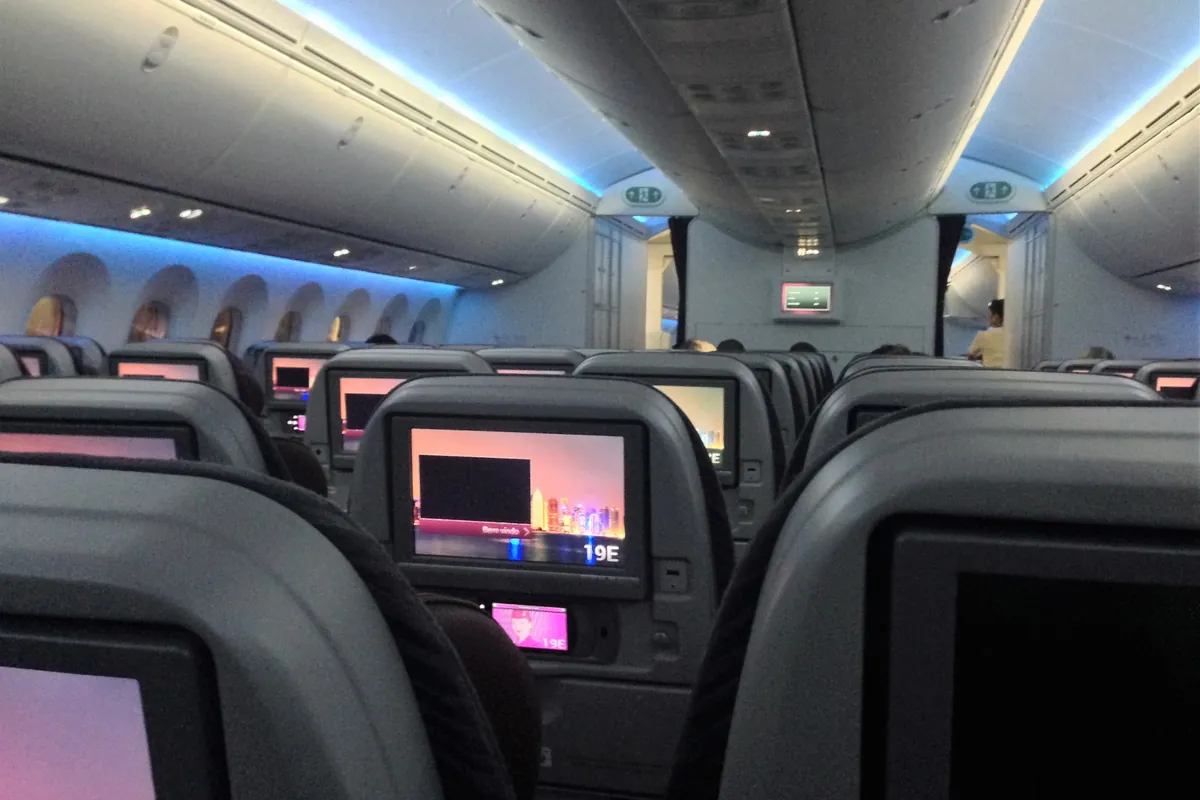
The Business figure is a combined total, not 15 kg per bag, and the airline's hand baggage FAQ says one 15 kg bag is not allowed because each piece is capped at 10 kg.
Laptops: Qatar Airways says a laptop should fit in your carry-on bag, and a laptop bag carried separately counts as carry-on baggage. In Economy, that means packing the laptop inside your one bag. On US departures, a laptop bag is named as an example of the personal item.
Also allowed on top of your carry-on: one small purse or briefcase, one coat or blanket, one umbrella, crutches or a walking stick, a small camera or binoculars case, limited reading material, an infant's carrying basket, and duty-free bought on the day of travel.
Infants and children: children, and infants on a child fare with a seat, get the adult allowance. An infant on an infant fare gets one 23 kg piece on Africa and Americas routes or 10 kg elsewhere, and no hand baggage, per the infants and children page. That page allows a stroller or carrycot plus a car seat if the infant has a seat, but the baggage FAQ says only one such item is free. Confirm with the airline if you need more than one.
How to check the baggage allowance on your own ticket
Qatar Airways shows your allowance when you book, in the confirmation email, in Manage Booking and in My Trips on the app.
- Open the Qatar Airways booking retrieval page or My Trips in the app.
- Enter your booking reference or e-ticket number with the passenger's last name.
- Open the flight details. The free allowance appears under the booked cabin for each flight.
- If it differs from your confirmation email, ask the airline or your issuing agent which is current.
What to check:
- Every sector, not just the Doha leg, and whether it shows kilograms or pieces.
- Fare family and operating carrier. A flight sold by Qatar Airways but operated by a partner can differ.
- Extra allowance: Privilege Club Silver (15 kg or 1 piece), Gold (20 kg or 1 piece) and Platinum (25 kg or 2 pieces), depending on route, per the membership tiers page, on routes Qatar Airways operates. oneworld Emerald, Sapphire and Ruby members may also qualify. Do not assume a status allowance and a promotion add together.
- Upgrades and mixed cabins: the airline says the highest class's allowance applies to the whole journey when you fly in different classes on one booking. Still check the reissued ticket rather than assuming.
Connecting flights, partner airlines and separate tickets

- Code-share flights follow IATA's Most Significant Carrier (MSC) rule, and the airline says the applicable allowance is shown on your booking confirmation (partners and code-share page).
- USA or Canada: if a code-share or interline flight is part of a journey that begins or ends there, the origin's allowances and charges apply throughout.
- Partner-operated flights may have a lower allowance. Qatar Airways advises checking with the operating airline.
- Separate tickets are not covered by these rules. Treat each ticket's allowance separately and ask both airlines whether bags can be checked through.
Buying extra baggage
The Qatar Airways extra baggage page says you save by buying online more than 6 hours before departure, at Qatar Airways offices or through the contact center. From 6 hours to 1 hour before departure you can still buy at the airport, at check-in or online at the standard rates. No fixed percentage saving is published. To get your actual price, retrieve your booking and select Extra baggage; it is quoted in the departure country's currency.
| Type | Charged | Key rule |
|---|---|---|
| Extra weight | Per kg | Weight routes. Each bag still no more than 32 kg |
| Extra piece | Per piece | Africa and Americas routes |
| Overweight piece | Per piece | Economy bag of 23 to 32 kg on piece routes. Airport check-in only |
| Oversized piece | Per piece | 158 to 300 cm total on piece routes. Over 300 cm travels as cargo |
Airport standard rates, for reference only: on 9 October 2026 the airport table listed QAR 60 per kg from Qatar to India, Pakistan, Bangladesh, Nepal, Sri Lanka and the Maldives, and QAR 90 per kg from Qatar to South East Asia, including the Philippines. QAR rates apply only to purchases in Qatar for travel starting in Doha. The reverse direction was listed at USD 30 per kg. Rates can change, and advance online purchase should cost less.
Conditions (extra baggage page and ancillary terms):
- Online extra baggage is non-refundable and is lost if you change the itinerary, though a date change on the same route is allowed.
- It is valid only on Qatar Airways-operated flights and tickets issued by Qatar Airways, and cannot be bought online for infants.
- The maximum is 100 kg or 10 pieces if any flight uses an Airbus A320 or A321, and 250 kg or 20 pieces if every flight is wide-body.
How to check your Qatar Airways ticket online
"Ticket check" can mean four different things:
| Task | What you use | Where |
|---|---|---|
| Retrieve a reservation | Booking reference or e-ticket number, plus last name | Retrieval page or My Trips |
| Confirm the ticket was issued | Ticket number next to each passenger's name | Confirmation email, or the issuing agent |
| Review the current itinerary | The retrieved booking | Manage Booking or My Trips |
| Check the flight is on time | Flight number and date | Qatar Airways flight status |
- Booking reference (PNR): six letters and numbers, shown after "Booking reference" or "PNR". The retrieval page lists valid characters as A to Z and 1 to 9.
- E-ticket number: 13 digits. The airline's example starts with 157, Qatar Airways' code; a ticket issued by another airline can start with that airline's code. A suffix such as -77 means several tickets; enter one full number only.
- Flight number: identifies the flight, not you. Use it for flight status.
- Boarding pass: issued at check-in. It is not a ticket.
- Open the retrieval page or Manage booking on qatarairways.com.
- Choose booking reference, e-ticket number or Privilege Club login, and enter the last name as booked.
- If prompted, enter the one-time password sent to the booking's email or mobile number.
- Check each name, date, flight and cabin.
- In the confirmation email, check that a ticket number appears next to each passenger's name. This is how the airline says to tell a booking is ticketed.
A booking you can retrieve is not necessarily ticketed, since bookings can be on hold. A correctly formatted ticket number or a screenshot does not prove a ticket is genuine or valid either. If anything is unclear, ask Qatar Airways or the issuing agent. QatarVia cannot look up or verify bookings, and you should not send booking details to any site offering to "verify" a ticket.
A ticket also does not give you permission to enter Qatar. Visitors should check whether they need a visa or entry approval; our guide to Hayya entry requirements for Qatar explains who needs to apply through Hayya.
How to use Qatar Airways Manage Booking
The airline's Manage Booking FAQ lists these options. Not every booking shows every one.
| What you can do | Cost | Depends on |
|---|---|---|
| View, print or email itinerary and ticket; see baggage allowance | No charge | Any retrieved booking |
| Edit frequent flyer number and contact details | No charge | Any retrieved booking |
| Select a seat | Can be paid | Fare and seat type |
| Request a special meal or assistance | Not stated | Route and availability |
| Change date, time, cabin or fare | Change fee and fare difference may apply | Fare rules and where you booked |
| Cancel or request a refund | Depends on fare | Fare rules and where you booked |
| Buy extra baggage, lounge access, meet and assist, hotel or car | Paid | Route and operating airline |
| Check in online | No charge | 48 hours to 90 minutes before departure; 24 hours for US flights |
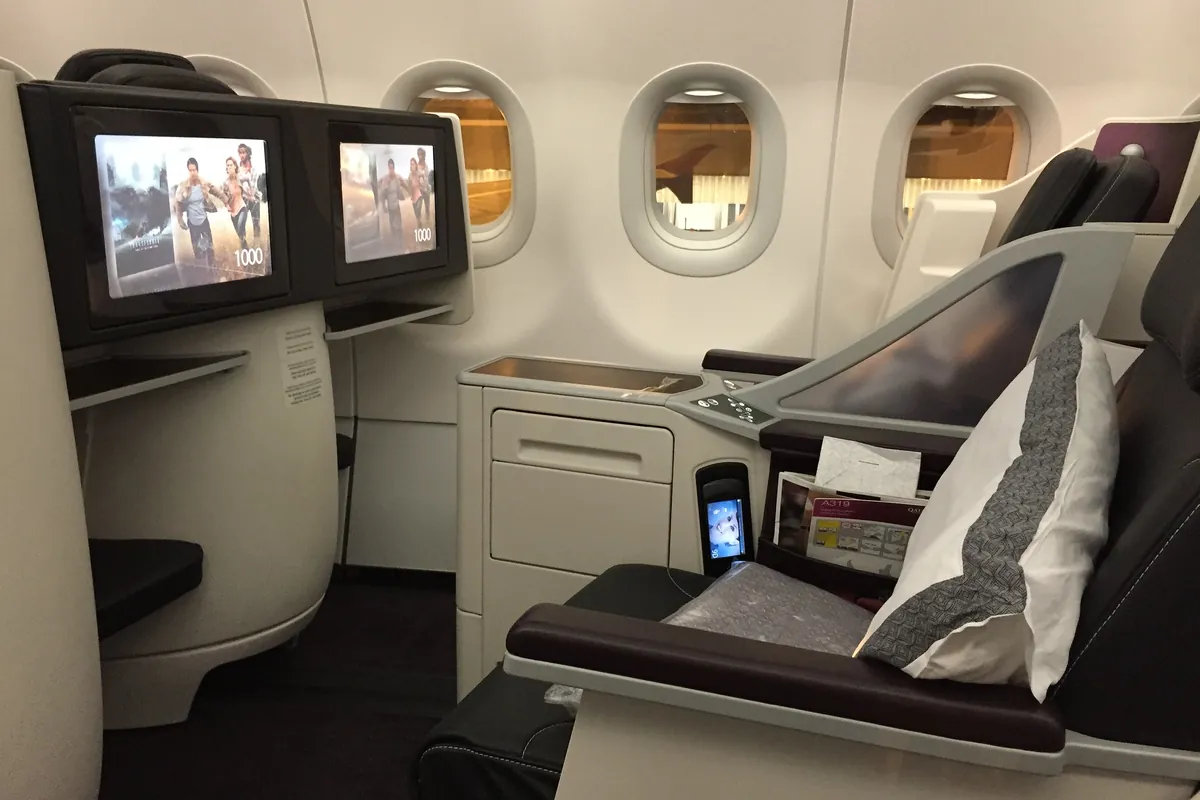
- Changes are possible once the booking is ticketed; within 3 hours of departure the no-show fee applies.
- Changes apply to every passenger in the booking, and on-hold bookings cannot be changed until paid.
- Only Qatar Airways-operated flights can be changed. Seat and meal requests must be made again after a change.
- If the airline has moved you to a new flight, you may need to select Accept Changes first.
- Online check-in covers Qatar Airways-operated flights and trips whose first flight it operates (check-in page).
During disruption the airline sometimes publishes temporary rebooking rules, so check Qatar Airways travel alerts before paying a change fee.
Travel-agent bookings, changes and refunds
You may be able to view an agency-issued booking with the airline booking reference and your last name, but changing, reissuing or refunding it is different. The airline's FAQ says online changes are only for bookings made on qatarairways.com or at Qatar Airways ticket offices, and phone bookings can be changed by phone or at an office. For agency or travel-website bookings, contact the agency to change, cancel or refund. The Help page also sends agency customers to their agent for name corrections and travel vouchers.
Whether a change is free, and how long a refund takes, depends on the fare rules and the agent's process, so ask the agent for both in writing. On the day of travel, the airline can still help with operational problems such as a canceled flight.
Booking not found or details incorrect
A retrieval error alone does not mean a booking was canceled or is fraudulent.
| Problem | What to check | Next step |
|---|---|---|
| Wrong reference or surname | Six characters, no spaces; last name as booked. Zero is not a listed character, so try the letter O | Retype from the confirmation email, or use the e-ticket number |
| Agency reference used | Some agencies show their own order number | Ask the agent for the Qatar Airways booking reference |
| E-ticket number entered wrongly | 13 digits, no hyphen or suffix | Enter one full ticket number |
| Session expired | Timeout after 10 minutes of inactivity | Start a new search |
| No ticket number | The booking may not be ticketed | Contact the airline or issuing agent before travel |
| Partner-operated flight | Operating carrier in the itinerary | Use that airline for its check-in and services |
| Change option missing | Where you booked, fare rules, on-hold status | Agency bookings: the agent. Direct bookings: Qatar Airways |
| Name wrong | Compare with your passport | Help page name correction, or the agent if they issued it. Do not rebook under a new name |
Still stuck? Our guide to Qatar Airways customer service and contact options shows the right channel for each issue.
Before-you-fly checklist
- Retrieve the booking again shortly before departure and check names, times and flights.
- Confirm the allowance for every flight, in kilograms or pieces, and that each passenger has a ticket number.
- Weigh and measure bags, including wheels and pockets: 50 x 37 x 25 cm for carry-on. Checking the Qatar weather by month can help you decide what to pack.
- Note which airline operates each flight.
- Plan how you will reach Hamad International Airport; our Doha Metro map and airport connection guide covers the rail option.
- Check passport validity and visa or entry rules for every country on the route. If you live in Qatar and are unsure of your status, you can check for a Qatar travel ban before you fly.
- Check in online from 48 hours before departure (check-in page).
- Liquids in the cabin: containers of up to 100 ml in one transparent resealable bag of up to 1 liter per passenger. Medicines and baby food are exceptions.
- Power banks: no more than two, each up to 100 Wh, in the cabin only and not charged in flight, per the airline's travel alert updated 9 October 2026. See restricted items for other batteries.
Planning your time in Doha as well? Browse our Qatar travel guides.
Baggage allowances, fees, booking formats and Manage Booking rules were checked against Qatar Airways' public pages on 9 October 2026. QatarVia is independent, is not affiliated with Qatar Airways, and cannot view, issue, change or cancel bookings. Feature image: suitcase in an airport terminal by likesilkto on Unsplash, used under the Unsplash License, cropped and resized. Inline photos are from Flickr under the licenses shown in each caption and have been cropped and resized.
Sources
- Qatar Airways: Baggage allowance (opens in a new tab)Economy, Business and First allowances by fare, cabin baggage, dimensions, exceptions and partner rules. Checked 9 October 2026.
- Qatar Airways: Manage booking retrieval (opens in a new tab)Booking reference and e-ticket number formats and retrieval options. Checked 9 October 2026.
- Qatar Airways: Frequently asked questions (opens in a new tab)Hand baggage, baggage, Manage Booking, changes and Privilege Club FAQs. Checked 9 October 2026.
- Qatar Airways: Additional baggage (opens in a new tab)Purchase channels, airport fee tables, limits and purchase rules. Checked 9 October 2026.
- Qatar Airways: Ancillary terms and conditions (opens in a new tab)Terms for buying additional baggage. Checked 9 October 2026.
- Qatar Airways: Infants and children (opens in a new tab)Infant and child baggage allowance. Checked 9 October 2026.
- Qatar Airways: Privilege Club membership tiers (opens in a new tab)Extra baggage allowance by tier. Checked 9 October 2026.
- Qatar Airways: Partners and code-share (opens in a new tab)Baggage rules on partner and code-share flights. Checked 9 October 2026.
- Qatar Airways: Online check-in (opens in a new tab)Online check-in windows and eligibility. Checked 9 October 2026.
- Qatar Airways: Travel alerts (opens in a new tab)Power bank rules, updated 9 October 2026.
- Qatar Airways: Help (opens in a new tab)Name correction, refunds and agency booking guidance. Checked 9 October 2026.
Frequently Asked Questions
How much baggage is allowed on Qatar Airways in Economy?
It depends on route and fare. On weight-concept routes Economy Lite, Classic, Convenience and Comfort get 20, 25, 30 and 35 kg in total. To or from Africa or the Americas, Lite gets one 23 kg bag and the other Economy fares get two. Carry-on is one 7 kg piece, or 10 kg to or from Brazil.
Can I take two checked bags in Economy?
On weight-concept routes, yes: you can take any number of bags as long as the total stays within your allowance and no bag exceeds 32 kg. On Africa and Americas routes, Classic, Convenience and Comfort include two bags of up to 23 kg each, while Economy Lite includes one.
Is the Qatar Airways Business Class cabin allowance per bag or total?
Total. Business passengers can carry two pieces with a combined weight of 15 kg, and the airline's FAQ says each piece must not exceed 10 kg. On flights departing the United States, the limit is one 7 kg bag plus one personal item.
Does a laptop bag count as hand baggage on Qatar Airways?
Yes, if you carry it separately. Qatar Airways says laptops should fit in your carry-on bag and a separate laptop bag counts as carry-on baggage. On flights departing the United States, a laptop bag can be your one personal item.
How do I check my Qatar Airways ticket?
Retrieve the booking in Manage Booking or My Trips with your booking reference or e-ticket number and last name, then check names, dates and flights. To confirm the booking is ticketed, look for a ticket number next to each passenger's name in the confirmation email. If it is missing, contact the airline or your issuing agent.
Can I retrieve a Qatar Airways booking with an e-ticket number?
Yes. The retrieval page accepts a 13-digit e-ticket number with the last name. If your booking has several tickets and the number ends in a suffix such as -77, enter just one full ticket number without letters or symbols.
Why is my Qatar Airways booking not found?
Common causes are a mistyped reference or surname, an agency order number used instead of the airline booking reference, an e-ticket number entered with a suffix, or an expired session. A retrieval error alone does not mean the booking was canceled. If retyping does not work, ask the airline or your agent.
Can I change a travel-agent booking online?
Usually not. Qatar Airways says online changes are for bookings made on qatarairways.com or at its ticket offices. For changes, cancellations, refunds and name corrections on agency bookings, contact the agency that issued the ticket.
Is extra baggage cheaper online?
The airline says you save by buying online more than 6 hours before departure, at its offices or through the contact center, but it does not publish a fixed discount. Retrieve your booking and select Extra baggage to see your actual price. Online purchases are non-refundable.
Published by
QatarViaQatarVia is a personal informational website owned and published by Baber Ali. Guides explain official processes and everyday life in Qatar in plain language and list the sources they rely on.
How guides are sourced and updated →Related guides

Doha Festival City: Shops, Timings, Cinema, Restaurants and Parking
Plan a visit to Doha Festival City: verified opening hours by day, Friday prayer break, Monoprix and IKEA schedules, shops, food courts, VOX

Events in Qatar 2026 and 2027: Monthly Calendar (Festivals, Concerts, Sports)
A verified month-by-month calendar of events in Qatar for 2026 and 2027: Formula 1, MotoGP, the FIBA Basketball World Cup, Doha concerts, Na

Hamad International Airport Guide: Departures, Transit, Lounges, Transport and Immigration
A practical guide to Doha's Hamad International Airport: departures and check-in, transit and layover rules, lounge eligibility, immigration

Qatar National Day 2026: Date, Events, Darb Al Saai and Tips
Qatar National Day 2026 is on Friday 18 December. A practical guide to the holiday, Darb Al Saai, the Corniche parade, fireworks, metro and